

Projects & fieldwork
Plan the work, assign it and see what happened on site, all on the same project record.
- Projects & work orders
- Daily & field reports
- Permits, locates & files
- As-built drawings
Construction operations
Projects, crews, field reports, purchasing and equipment, working from the same record. One system for the office and the field.

The product
Projects, tasks, people and records in one workspace. These are screens from the Empire web app.
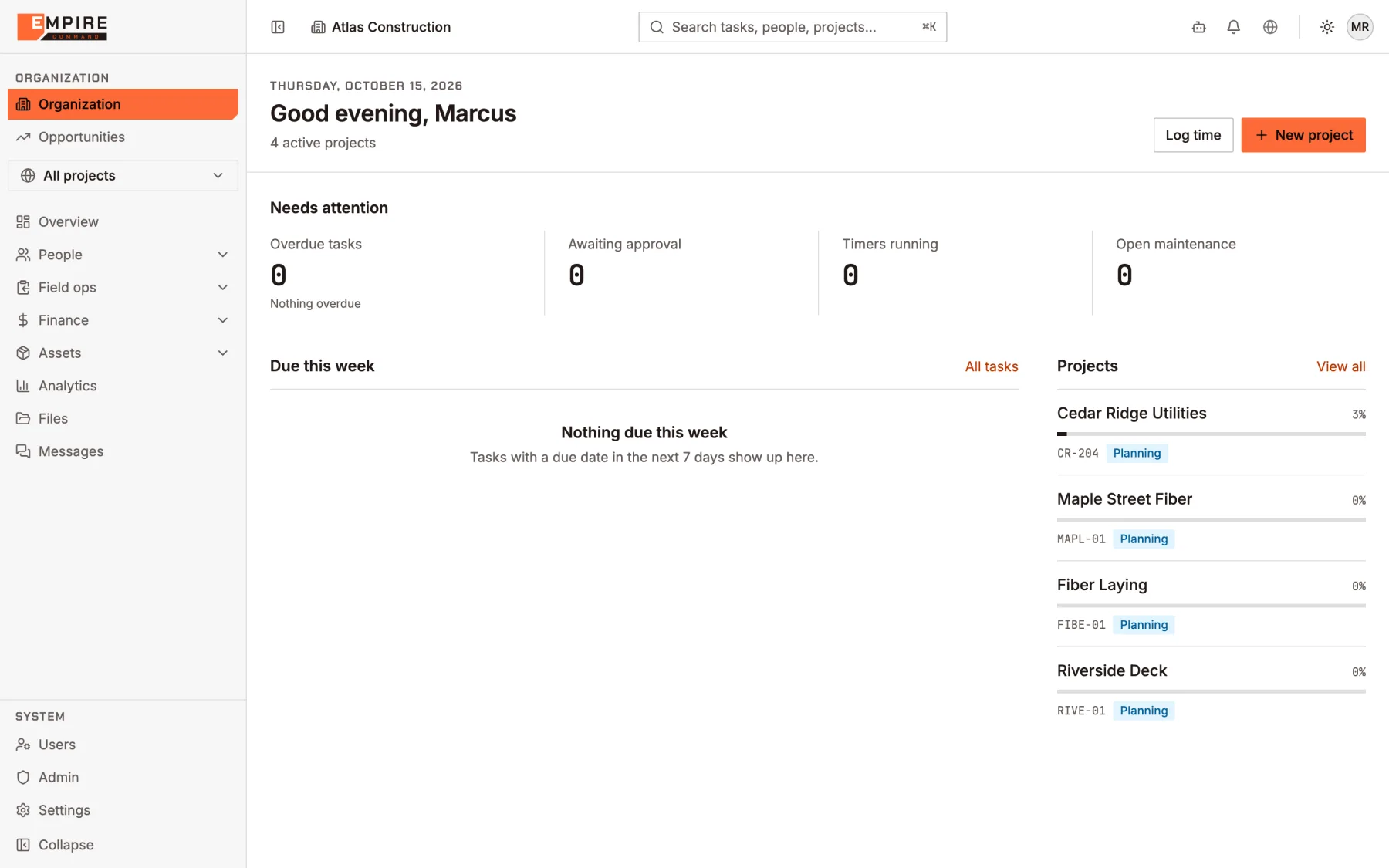
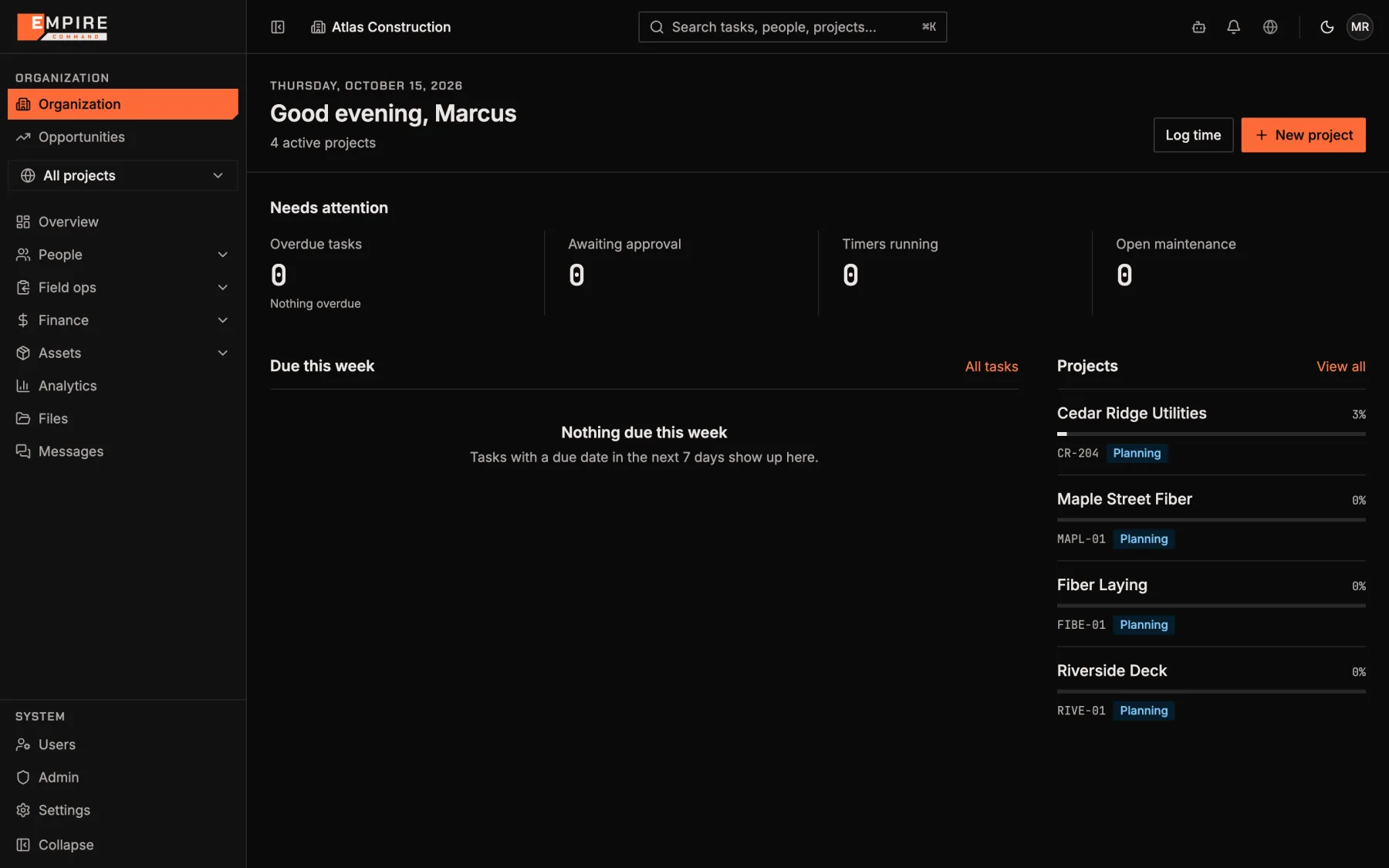
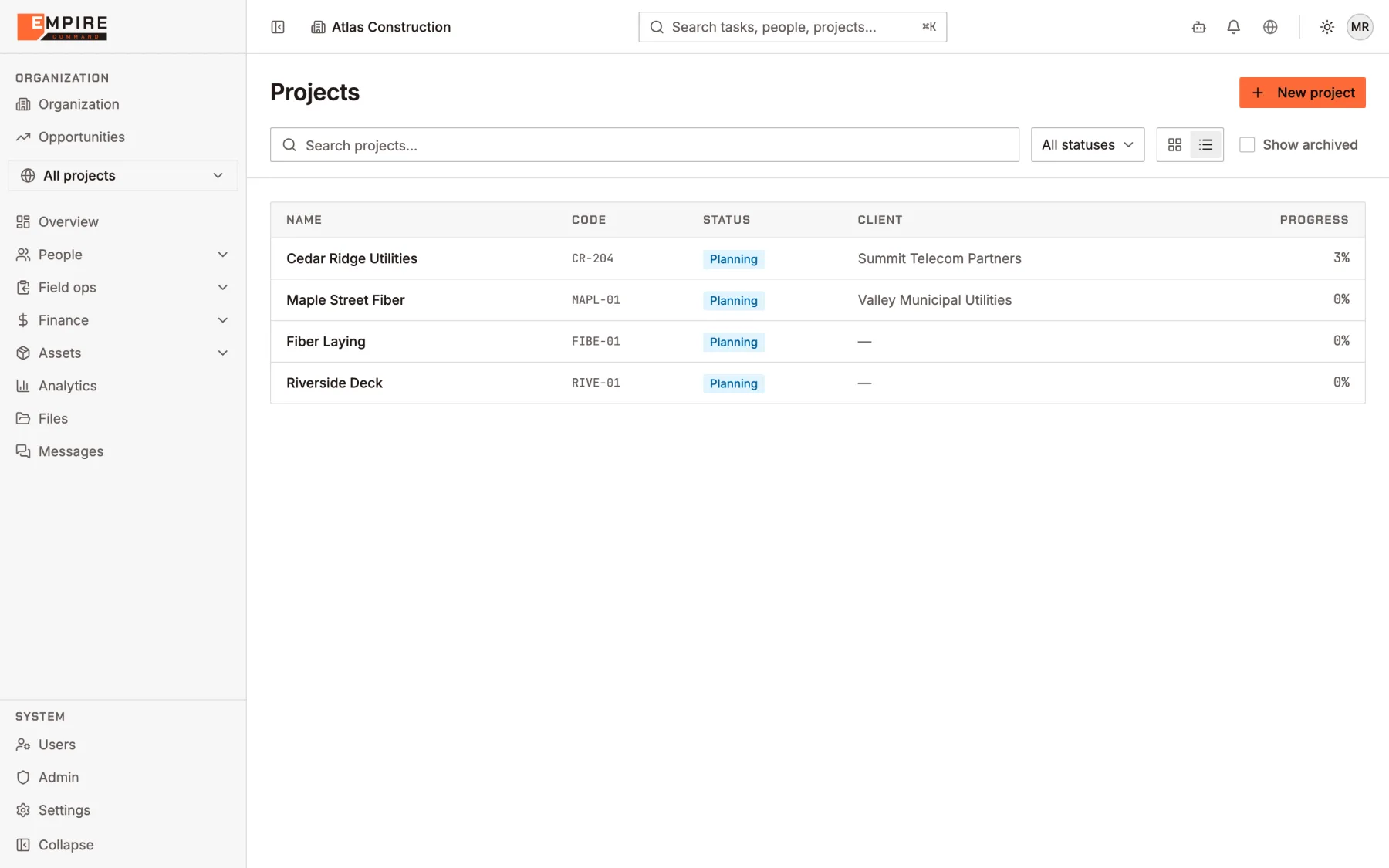
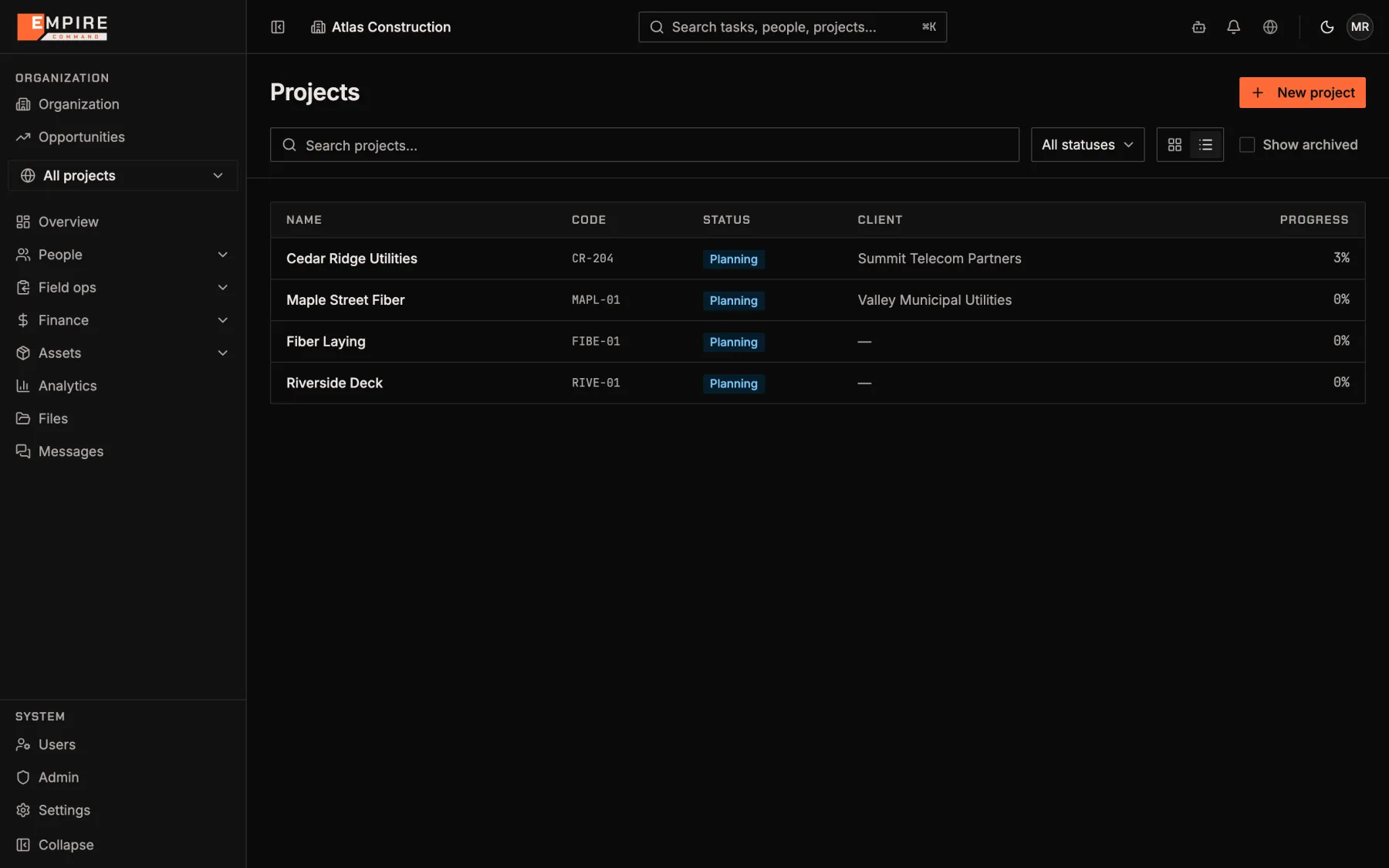
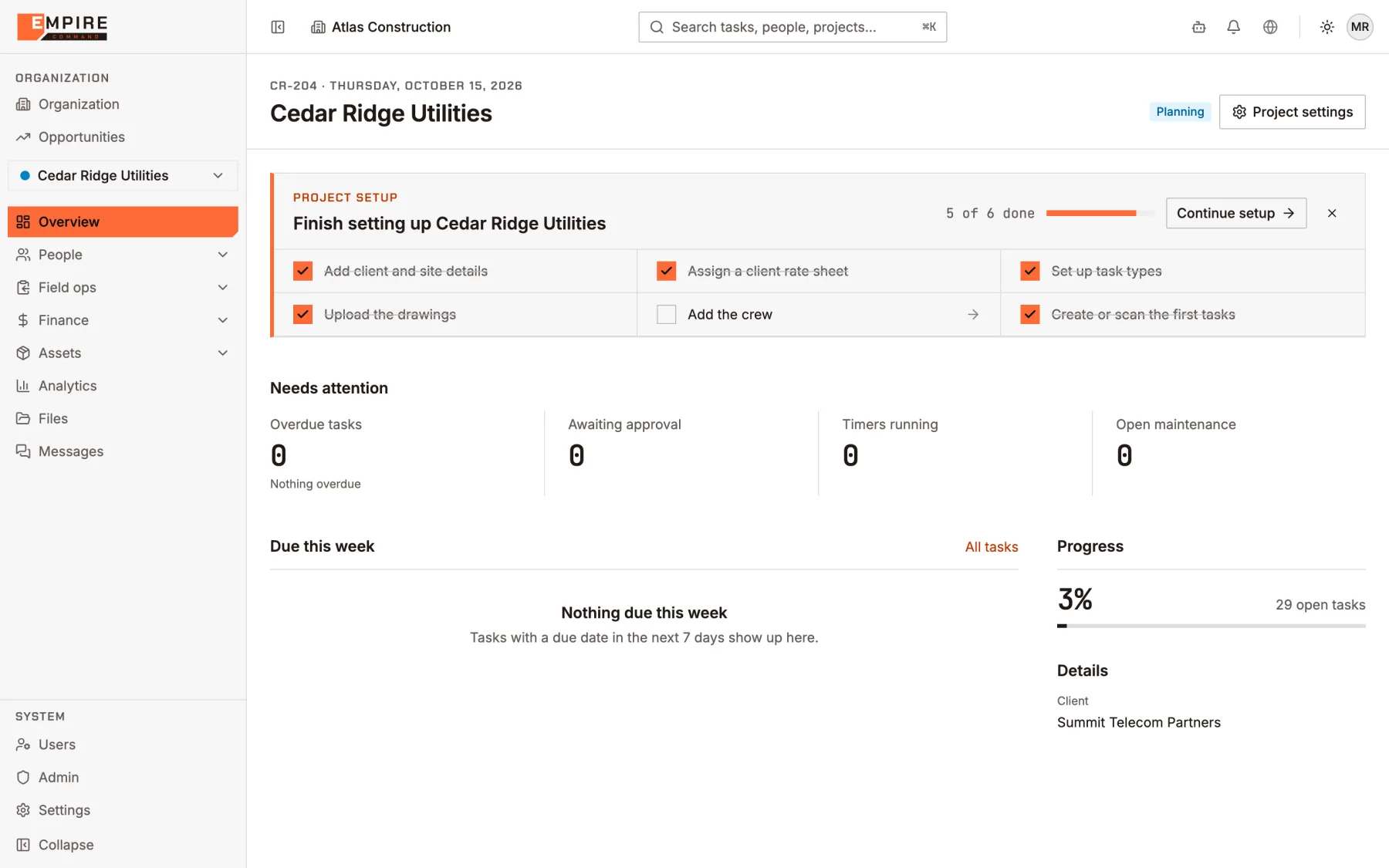
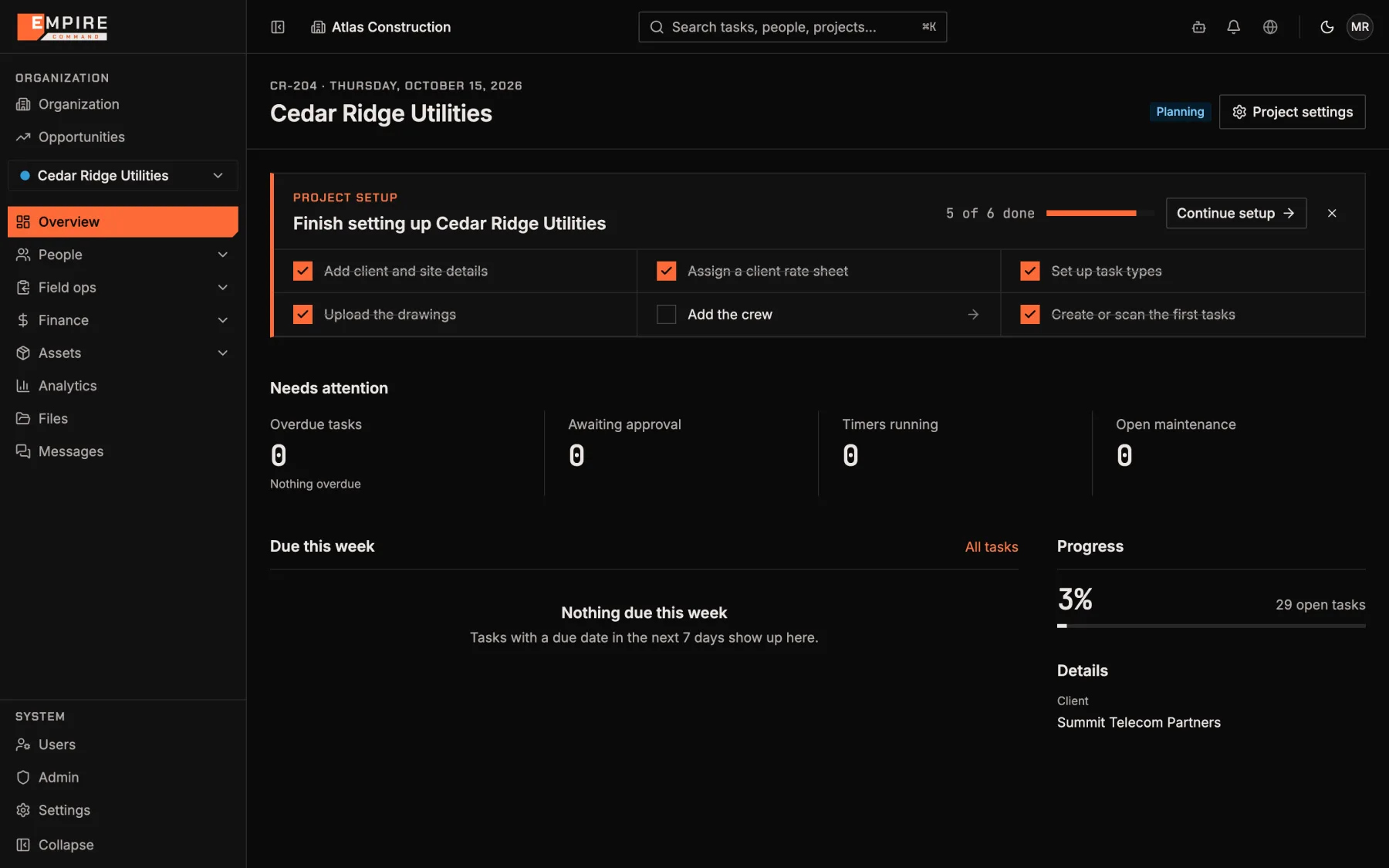
Screens from the Empire web app. Sample organization and fictional data.
Platform
From the first crew assignment to the last invoice, manage the details in one place.
Plan the work, assign it and see what happened on site, all on the same project record.
See who’s assigned, organize the schedule and keep crew and personnel records close to the work.
Manage the commercial side of your projects without separating it from the people and work behind each record.
Keep equipment details, material records and maintenance work organized alongside your projects.
The business around the job, too. Track opportunities in the CRM and review the whole operation in analytics.
Field and office
Your office and field teams work differently. The office works in the web app. Crews use the Empire mobile app. Both read and write the same projects, people and records.
Crews clock in and out from their phone. Each shift lands in the same system the office uses for time entries.
Scan the code on a tool or machine to check it out and back in. The office sees it as it happens.
See assigned tasks and update them from the site. The office sees the same status.
What crews do in the field is the same data the office works with. Nothing is typed in twice.
Questions
Getting a feel for Empire? Start here.
Projects and field reports, crews, scheduling and time entries, work orders, purchase orders, approvals, invoices and rate sheets, equipment, vehicles, tools, materials and inventory, plus a CRM for opportunities. It is one system, so every record connects to the project and the people behind it.
Owners and operations leaders who need visibility across the business, project managers coordinating the work, and foremen and crews recording what happens on site.
The Empire mobile app. Crews clock in and out, scan QR codes to check equipment out and back in, and see and update their assigned tasks. It is the same data the office works with, so nothing gets entered twice.
Yes. Admins choose which parts of Empire each person can use, so a crew member, a project manager and an owner each see what they need.
Yes. The Empire web app is available in English and Spanish, and each person can choose a light or dark appearance.
Tell us about your company and what you want to manage. We will follow up to talk about whether Empire fits and what onboarding would look like.
Beta access
Tell us about your company and what you want to bring together. Start the conversation about beta access to Empire Command.
For the office that runs the business.
And the crew that gets it done.